Streamline Your Brand Identity with a Canva Style Guide Template
Building a recognizable brand requires more than just a great logo. It demands consistency across every touchpoint, from your website to your social media graphics and even your packaging design. However, maintaining that consistency can be a challenge, especially when you are working with a team or handing off design assets to freelancers. This is where a Branding Style Guide Canva Template becomes an invaluable tool. It serves as a centralized rulebook that defines your visual language, ensuring that every piece of content you publish looks cohesive and professional.
What Exactly is a Branding Style Guide?
At its core, a style guide is a comprehensive document that outlines the specific design elements that constitute your brand identity. Think of it as the DNA of your visual presence. It dictates exactly how your logo should be displayed, which colors represent your business, and which typefaces—whether a serif font, sans serif font, or script font—should be used for headlines and body copy. By establishing these rules, you eliminate guesswork and ensure that your brand maintains a consistent personality, whether it is appearing on a billboard or a mobile screen.
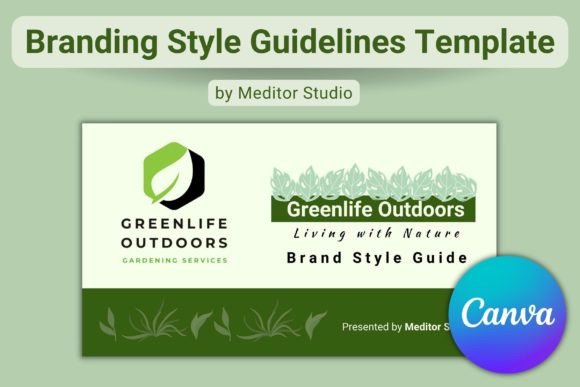
The specific template we are discussing here is designed specifically for the Canva platform. It is a 19-page, landscape-format presentation that is fully editable using a free Canva account. Unlike complex design software like Adobe InDesign, this template allows entrepreneurs, marketers, and designers to drag and drop their own assets into a pre-structured layout. It transforms the daunting task of brand documentation into a manageable, visual process.
Visual Characteristics and Design Appeal
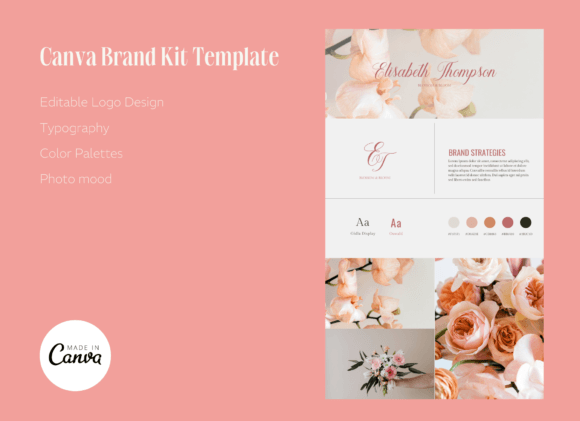
One of the strongest features of a quality style guide template is its visual neutrality combined with professional structure. This particular Branding Style Guide Canva Template is sized at 1980x1020 pixels, making it ideal for digital presentations and high-resolution screens. The layout is clean, utilizing a grid system that balances white space with content blocks. This prevents the document from feeling cluttered, allowing your specific brand elements—your logos, color palettes, and typography samples—to take center stage.
The "personality" of the template is strictly professional and organized. It does not impose a specific aesthetic on your brand; rather, it provides a stage for your brand to shine. The visual hierarchy is clear: headings are distinct, image placeholders are well-proportioned, and text areas are easy to read. This modern typography approach ensures that the guide itself serves as an example of good design, reinforcing the credibility of the brand it represents.
Practical Applications: Where This Guide Fits Best
The utility of a Branding Style Guide extends far beyond internal reference. It is a living document used across various departments and projects. For digital marketing, it ensures that social media graphics maintain a uniform look, building brand recognition in crowded feeds. For web design, it provides the exact hex codes for buttons and links, ensuring the user interface matches the rest of the brand ecosystem.
In the realm of editorial design and publishing, bloggers and content creators can use the guide to maintain a consistent tone in their imagery and layout. If you are outsourcing logo design or hiring a freelance designer for a one-off project, handing them this style guide ensures they can deliver work that integrates seamlessly with your existing assets. Even for packaging design, having a reference for patterns, textures, and logo placement ensures the physical product matches the digital experience.
Influencing Brand Perception and Audience Engagement
Consistency is the bedrock of trust. When a potential customer sees a consistent visual language across your website, emails, and advertisements, it signals stability and professionalism. Conversely, disjointed visuals can make a brand look amateurish or unreliable. By using a structured template to define your brand, you directly influence how your audience perceives your value.
A well-documented style guide also aids in visual hierarchy. By defining which typeface is used for H1 headings versus body text, you guide the reader’s eye through the content logically. This improves readability and ensures that your key messages are not lost in visual noise. Furthermore, a strong visual identity aids recognition; over time, customers will begin to associate your specific color palette and font style with your products and services before they even read the text.
Practical Guidance for Customization and Usage
Getting the most out of this Canva template requires a bit of preparation. Before you start editing, gather all your design assets. This includes high-resolution versions of your logo (full logo, icon, and favicon), your primary and secondary color codes (HEX or RGB), and the specific fonts you use. If you are using a premium font, ensure it is uploaded to your Canva font library.
When populating the template, pay close attention to the font pairing section. This is where you define how your display font interacts with your body text. For example, you might pair a bold, modern display font for headlines with a highly legible sans-serif for paragraphs. The template allows you to showcase these pairings visually, which is much more effective than simply listing font names. Additionally, use the included sections to define your brand's "voice" and imagery style—such as whether photos should be candid or staged, warm or cool-toned—to give a complete picture of your brand personality.
Ensuring Long-Term Value
A branding guide is not a static file; it evolves as your business grows. The value of using an editable, reusable template like this one is that it can be updated easily. If you decide to refresh your brand or introduce a new sub-brand, you can duplicate the file and make modifications without starting from scratch. This flexibility ensures that your brand documentation remains relevant and useful for years to come, serving as a reliable compass for all your creative endeavors.